
Flux Layout
An aggressively minimal layout for docs
A docs layout that impractically minimal & clean, originally made for experimental purpose.
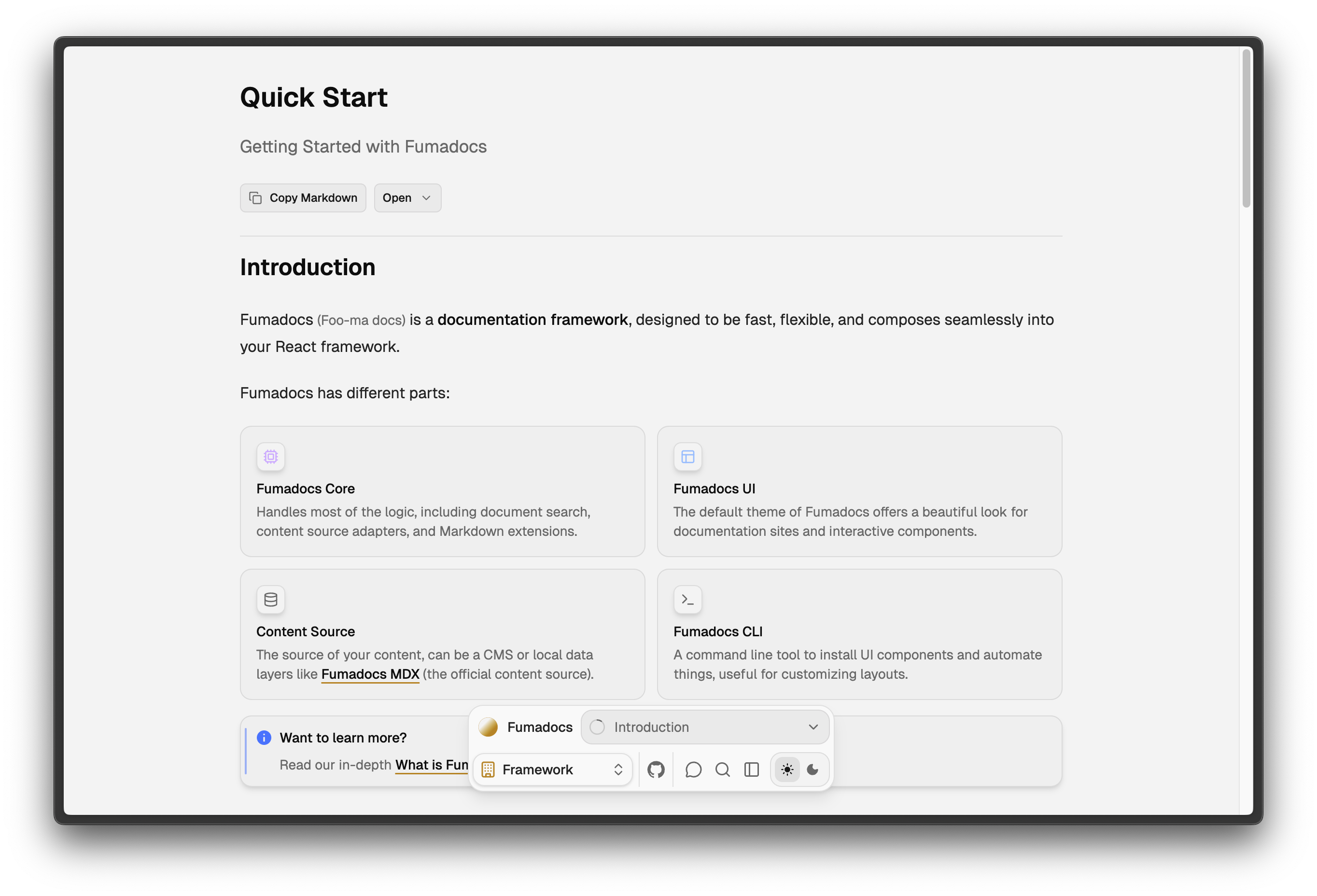
Usage
Enable the Flux layout with @hanzo/docs-ui/layouts/flux.
import { DocsLayout } from '@hanzo/docs-ui/layouts/flux';
import { baseOptions } from '@/lib/layout.shared';
import { source } from '@/lib/source';
import type { ReactNode } from 'react';

export default function Layout({ children }: { children: ReactNode }) {
  return (
    <DocsLayout {...baseOptions()} tree={source.getPageTree()}>
      {children}
    </DocsLayout>
  );
}Make sure to update your page import too:
import { ... } from '@hanzo/docs-ui/layouts/docs/page';
import { ... } from '@hanzo/docs-ui/layouts/flux/page';
Important to know
- It is best to be paired with static/local search, the navigation is more efficient using document search.
- It prioritizes subjective aesthetics over user experience.
- It is opinionated, use Hanzo Docs CLI for customisation instead.
Configurations
The options are inherited from Docs Layout, with minor differences:
- Flux layout is a client component, you cannot pass unserializable props from a server component.
- A
renderNavigationPanelprop to customise the bottom navigation panel. - There is no
tocPopoveroptions.
How is this guide?