
Themes
Add Theme to Hanzo Docs UI
Overview
Hanzo Docs UI adds its own colors, animations, and utilities with Tailwind CSS preset.
Setup
Only Tailwind CSS v4 is supported, the preset will also include source to Hanzo Docs UI itself:
@import 'tailwindcss';
@import '@hanzo/docs/ui/css/neutral.css';
@import '@hanzo/docs/ui/css/preset.css';For Shadcn UI, you can use the shadcn preset instead. Hanzo Docs UI will adopt colors from your Shadcn UI theme.
@import 'tailwindcss';
@import '@hanzo/docs/ui/css/shadcn.css';
@import '@hanzo/docs/ui/css/preset.css';See Colors for details.
Preflight Changes
By using the Tailwind CSS plugin, or the pre-built stylesheet, your default border, text and background colors will be changed.
Light/Dark Modes
Hanzo Docs supports light/dark modes with next-themes, it is included in Root Provider.
See Root Provider to learn more.
RTL Layout
RTL (Right-to-left) layout is supported.
To enable RTL, set the dir prop to rtl in body and root provider.
import { RootProvider } from '@hanzo/docs/ui/provider/<framework>';
import type { ReactNode } from 'react';

export default function RootLayout({ children }: { children: ReactNode }) {
  return (
    <html lang="en" suppressHydrationWarning>
      <body dir="rtl">
        <RootProvider dir="rtl">{children}</RootProvider>
      </body>
    </html>
  );
}
Layout Width
Customise the max width of docs layout with CSS Variables.
:root {
  --fd-layout-width: 1400px;
}Colors
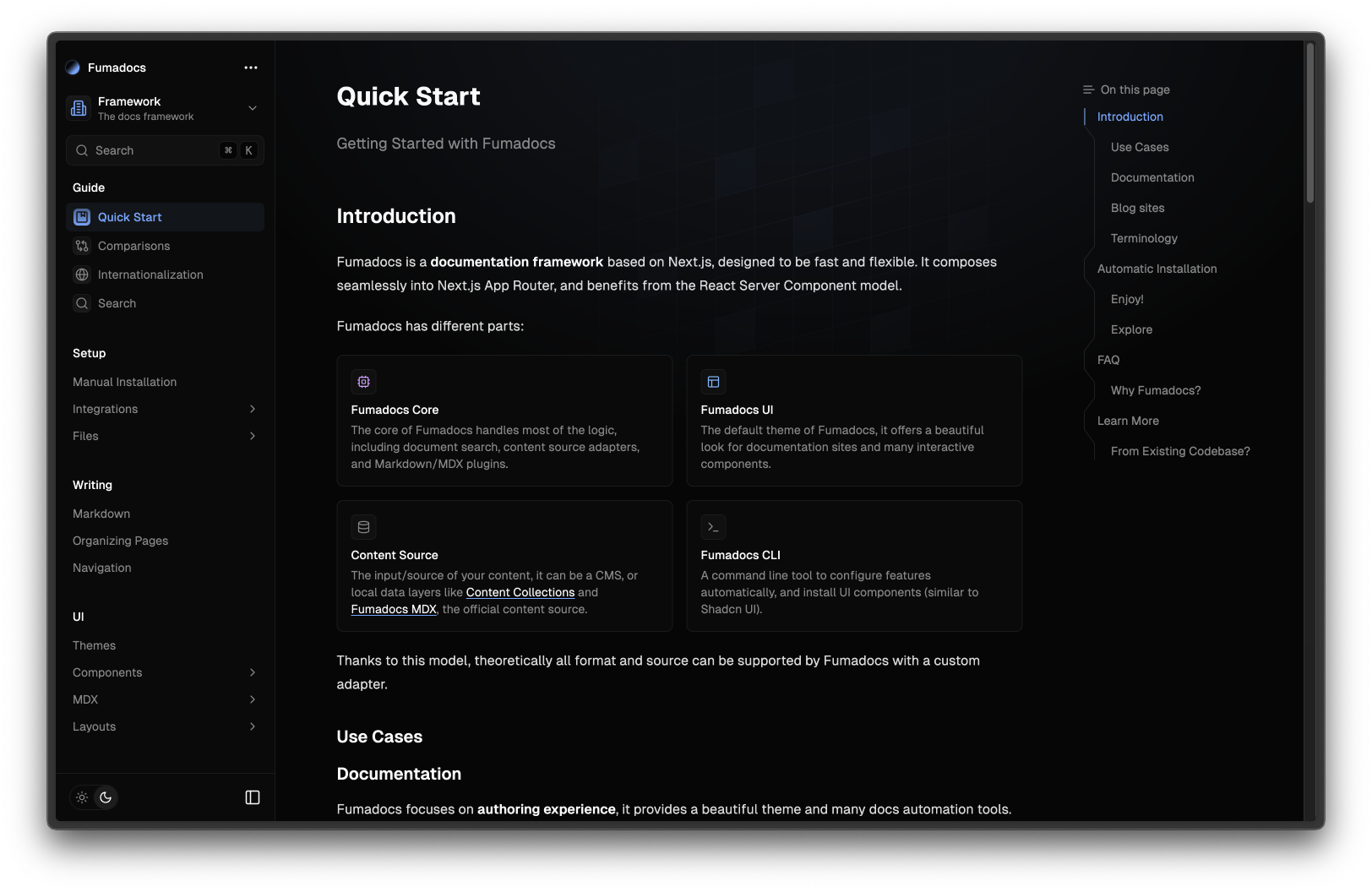
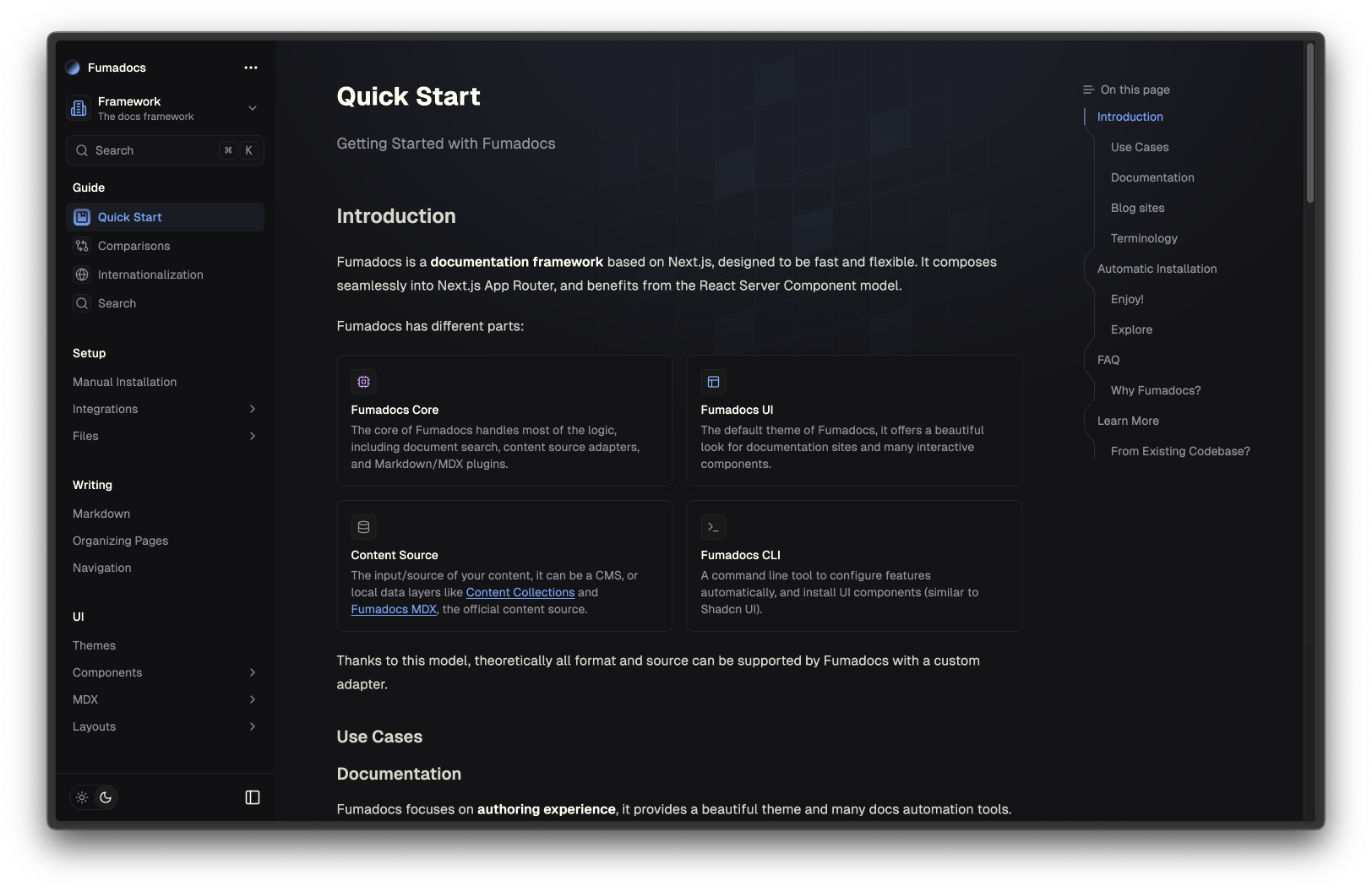
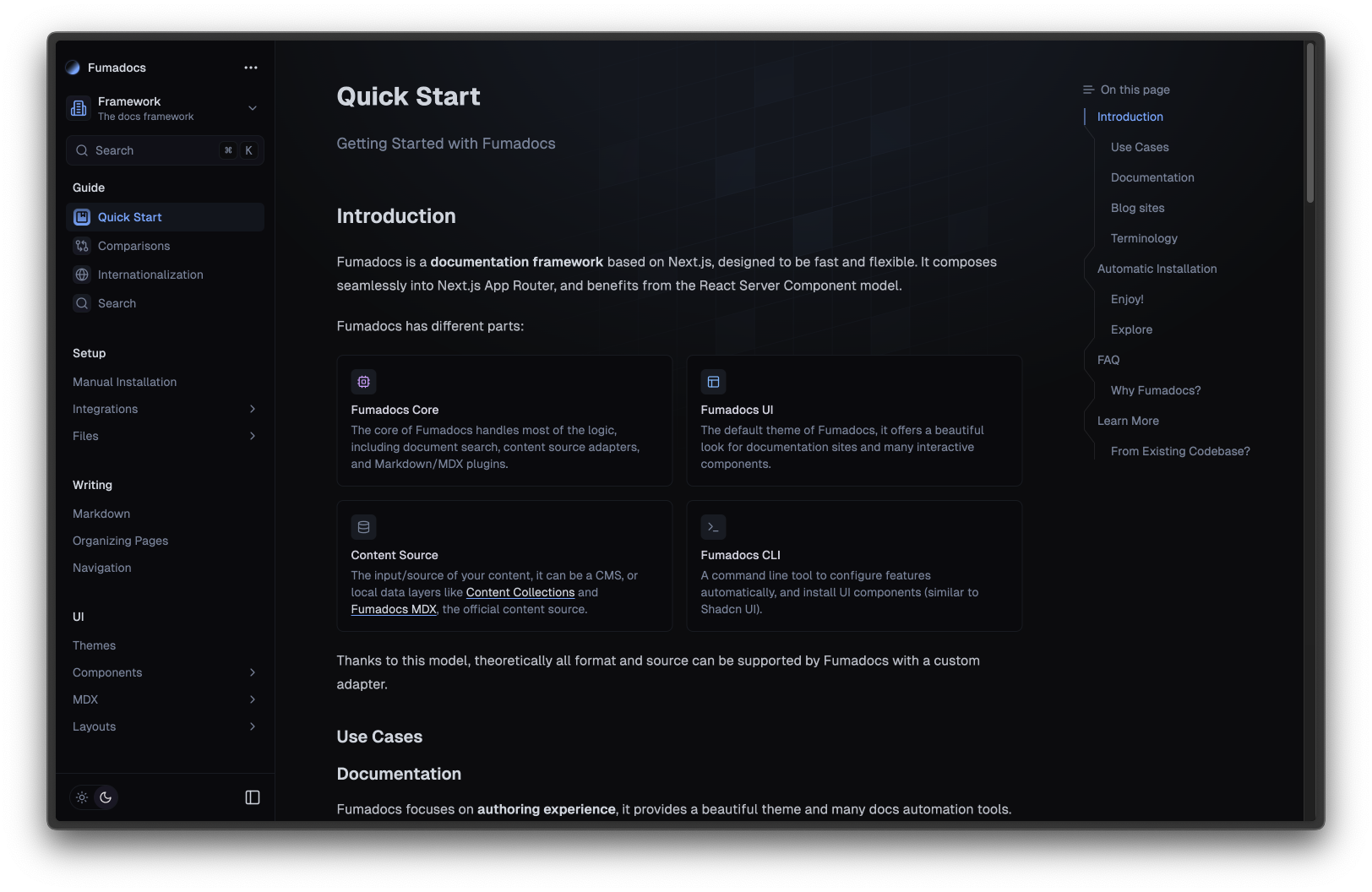
It comes with many presets out-of-the-box, you can pick one you prefer.
@import '@hanzo/docs/ui/css/<theme>.css';
@import '@hanzo/docs/ui/css/preset.css';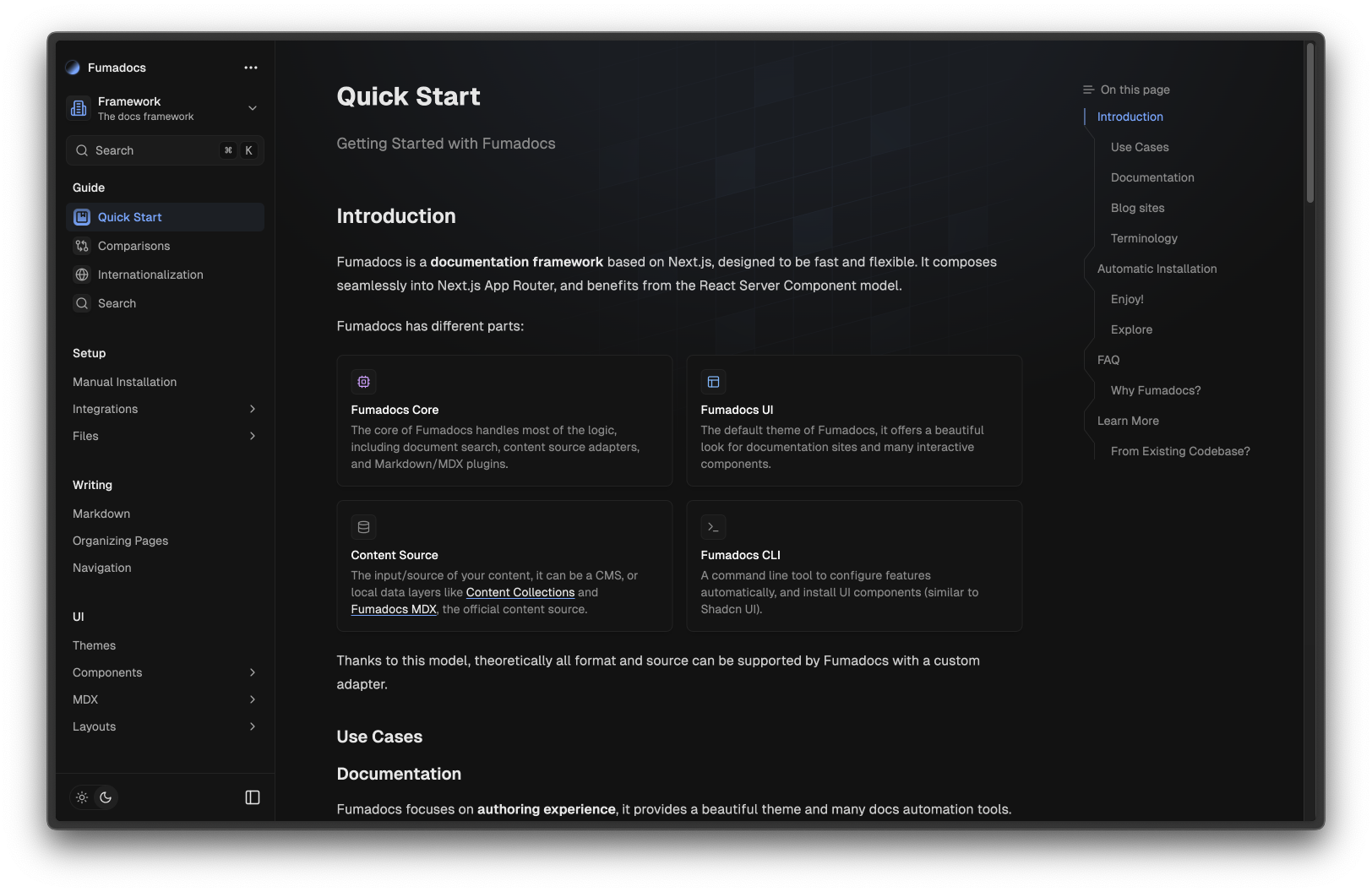
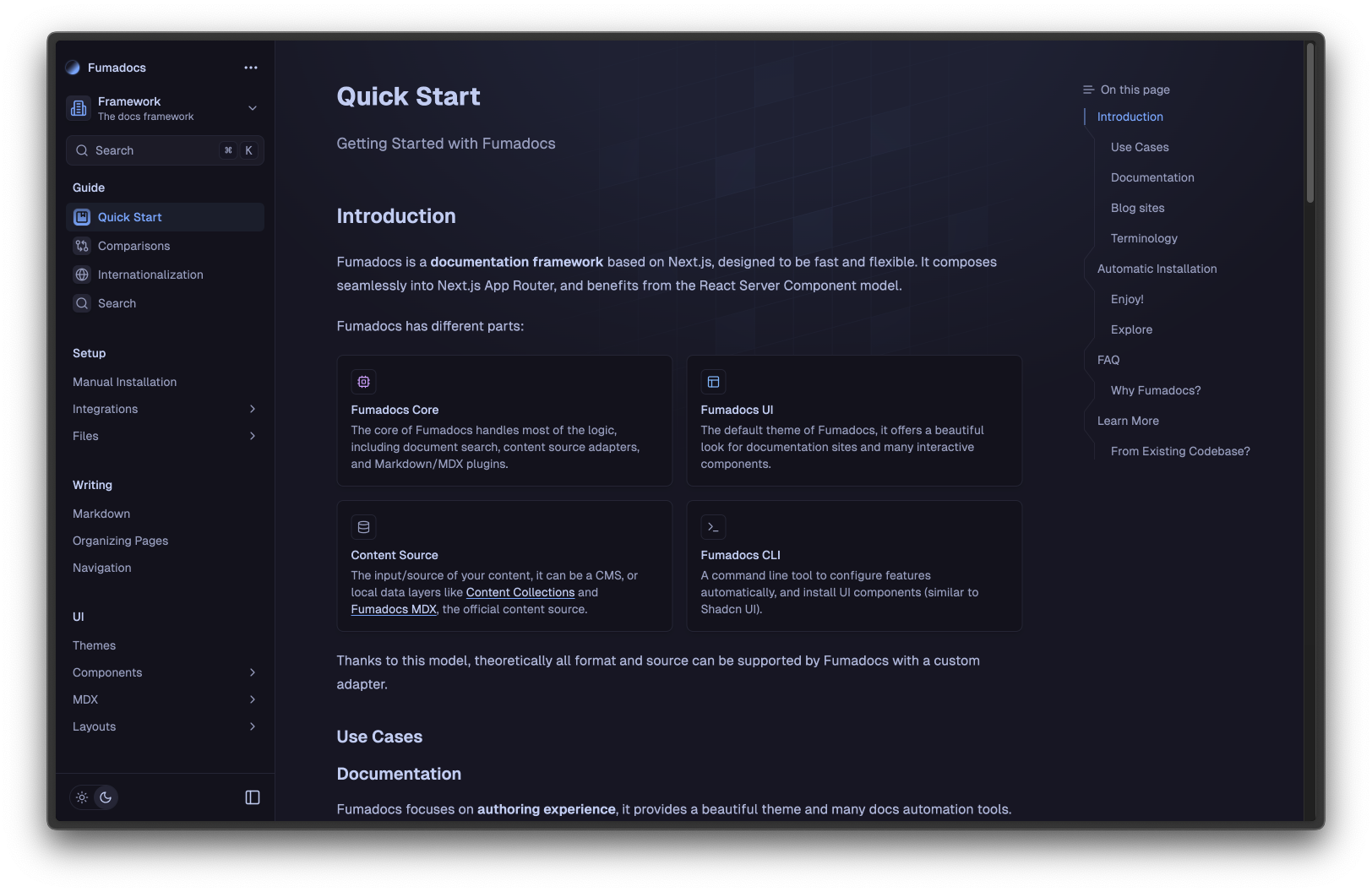
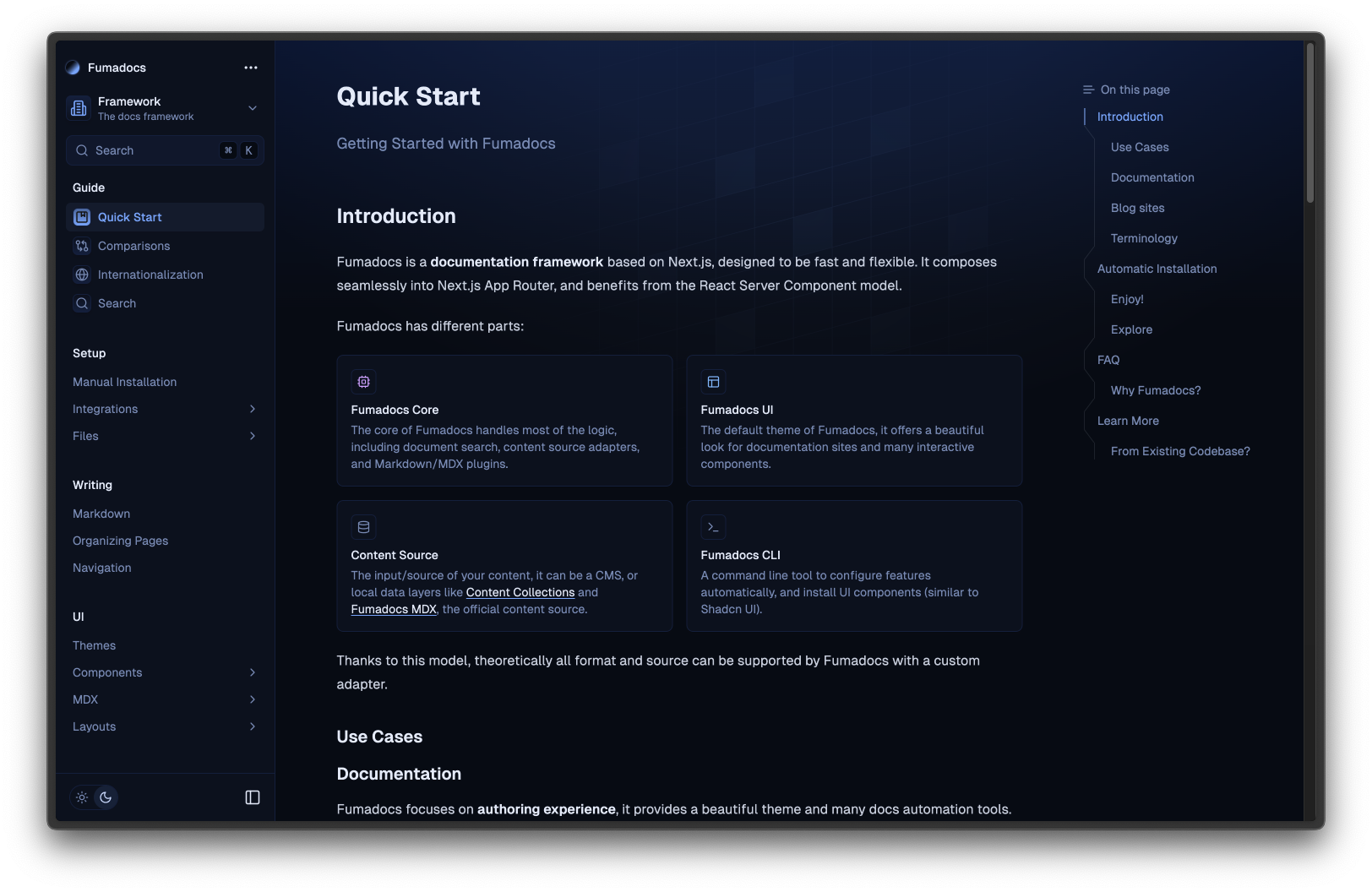
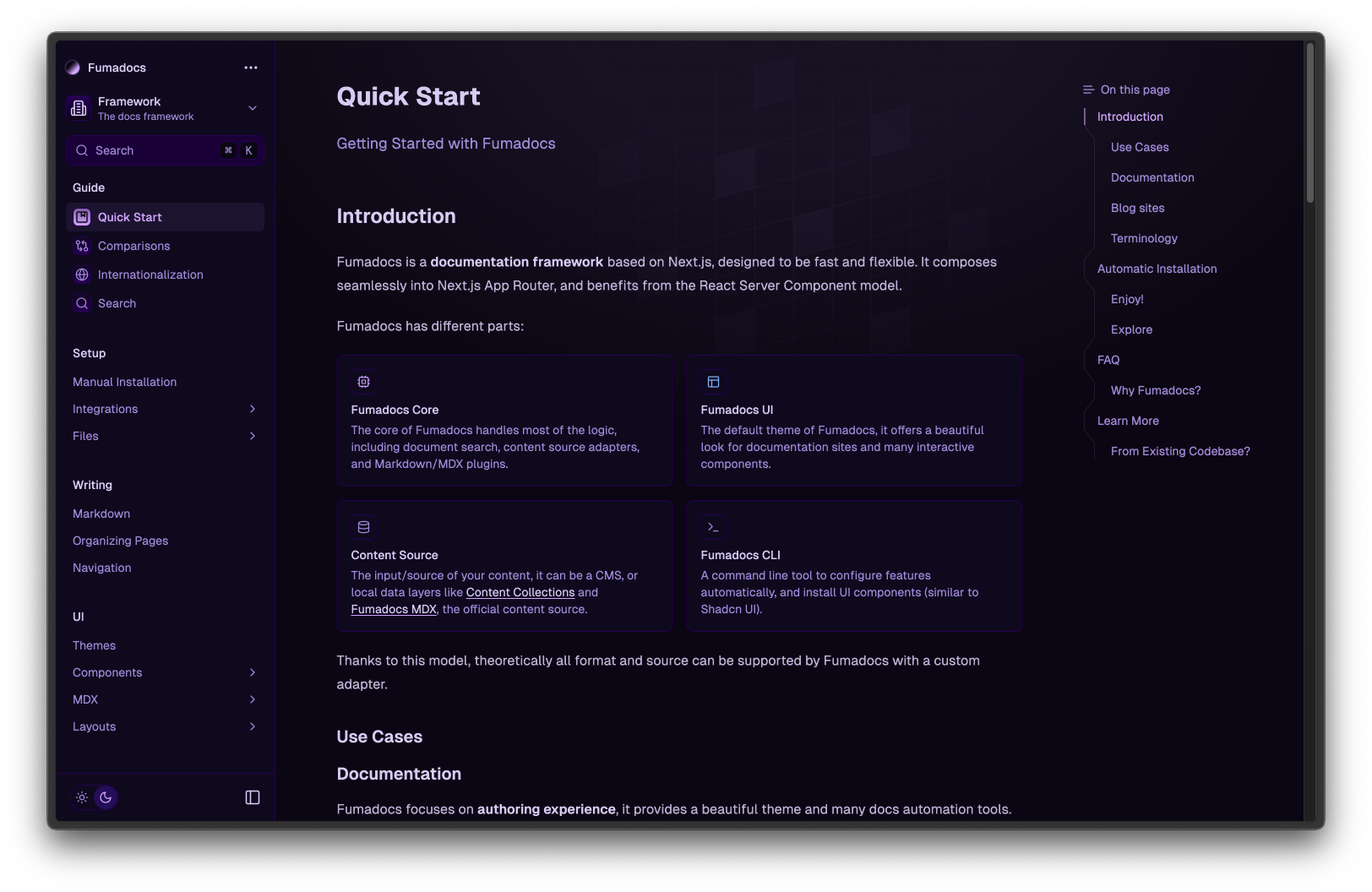
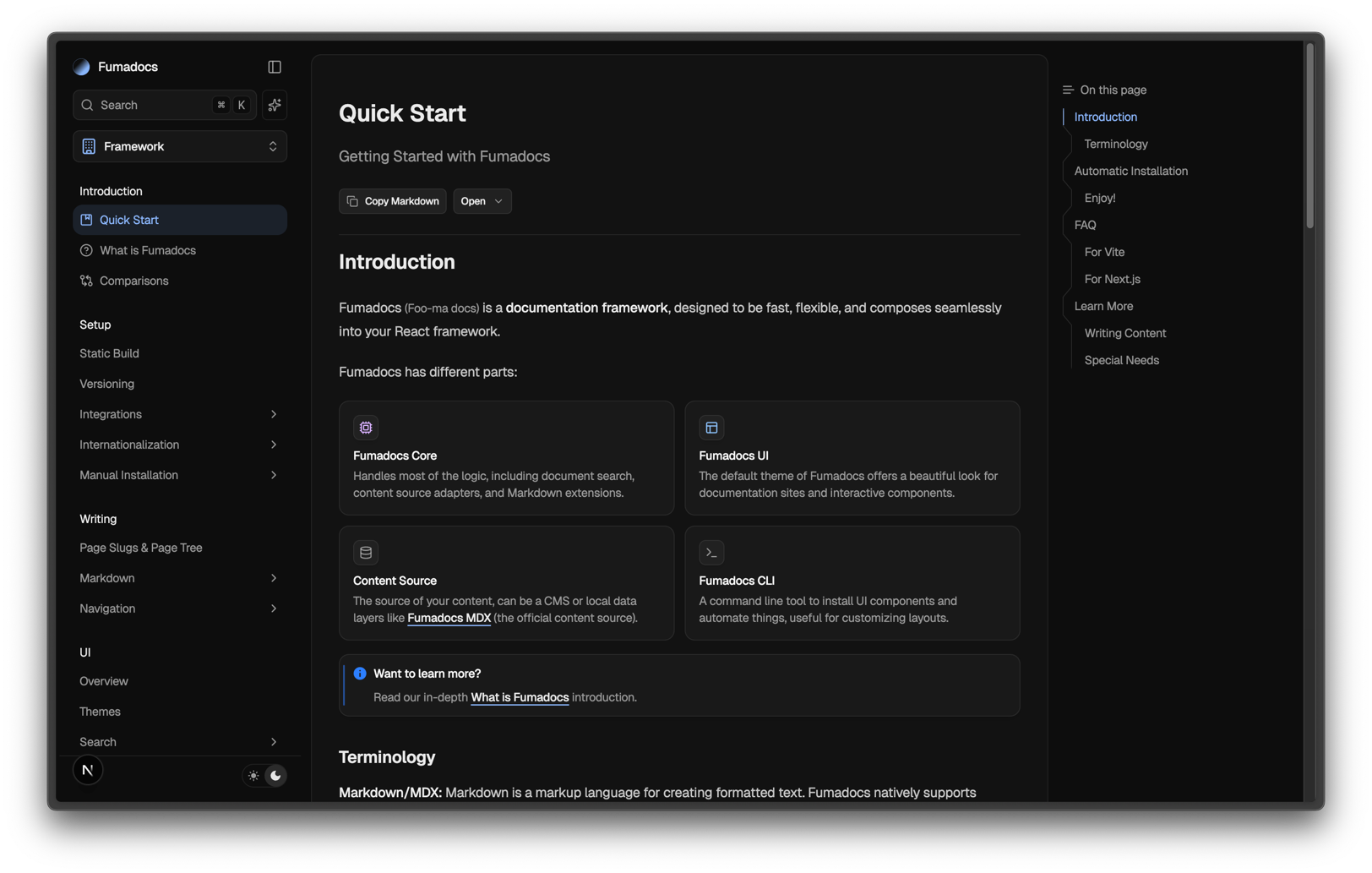
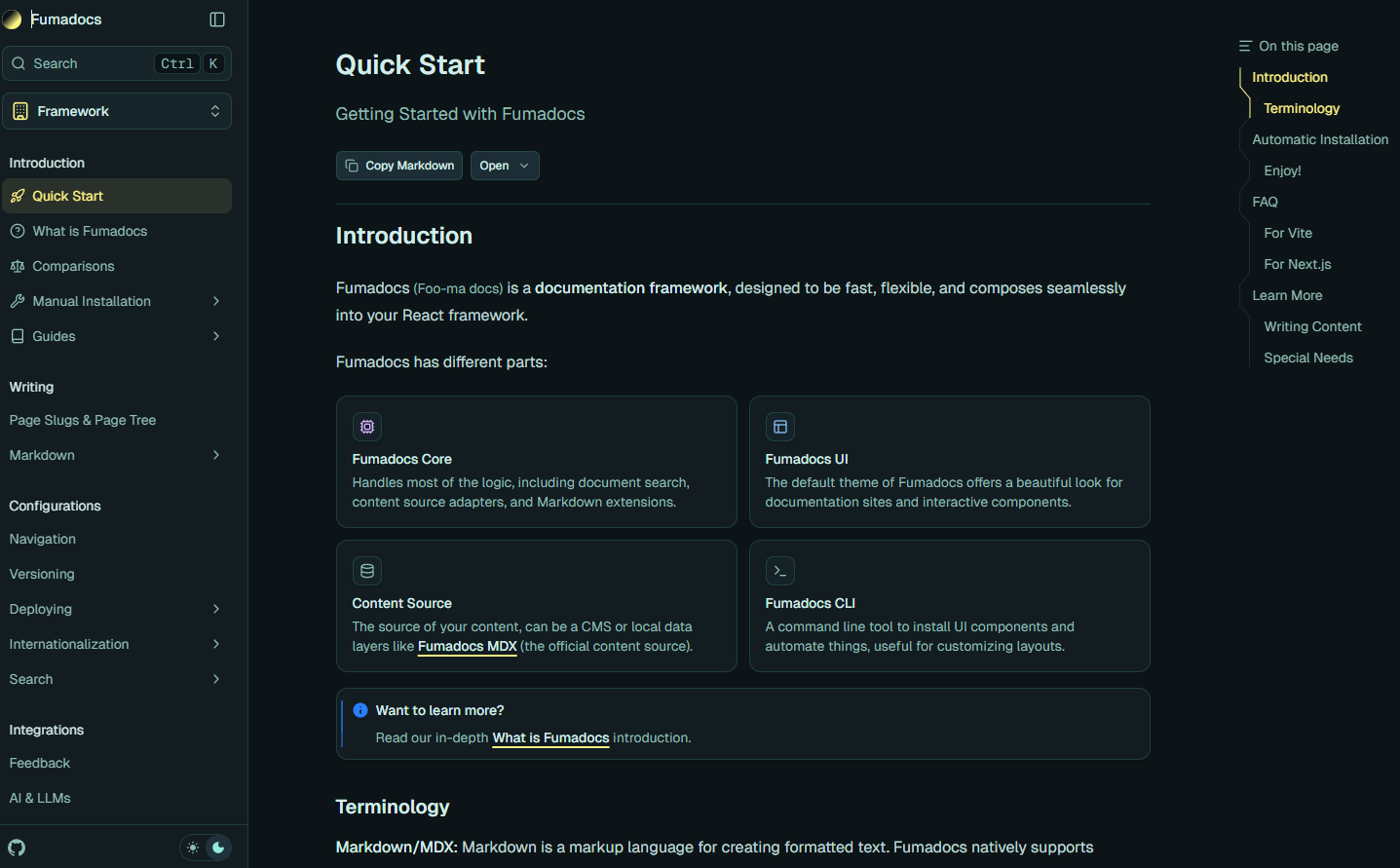
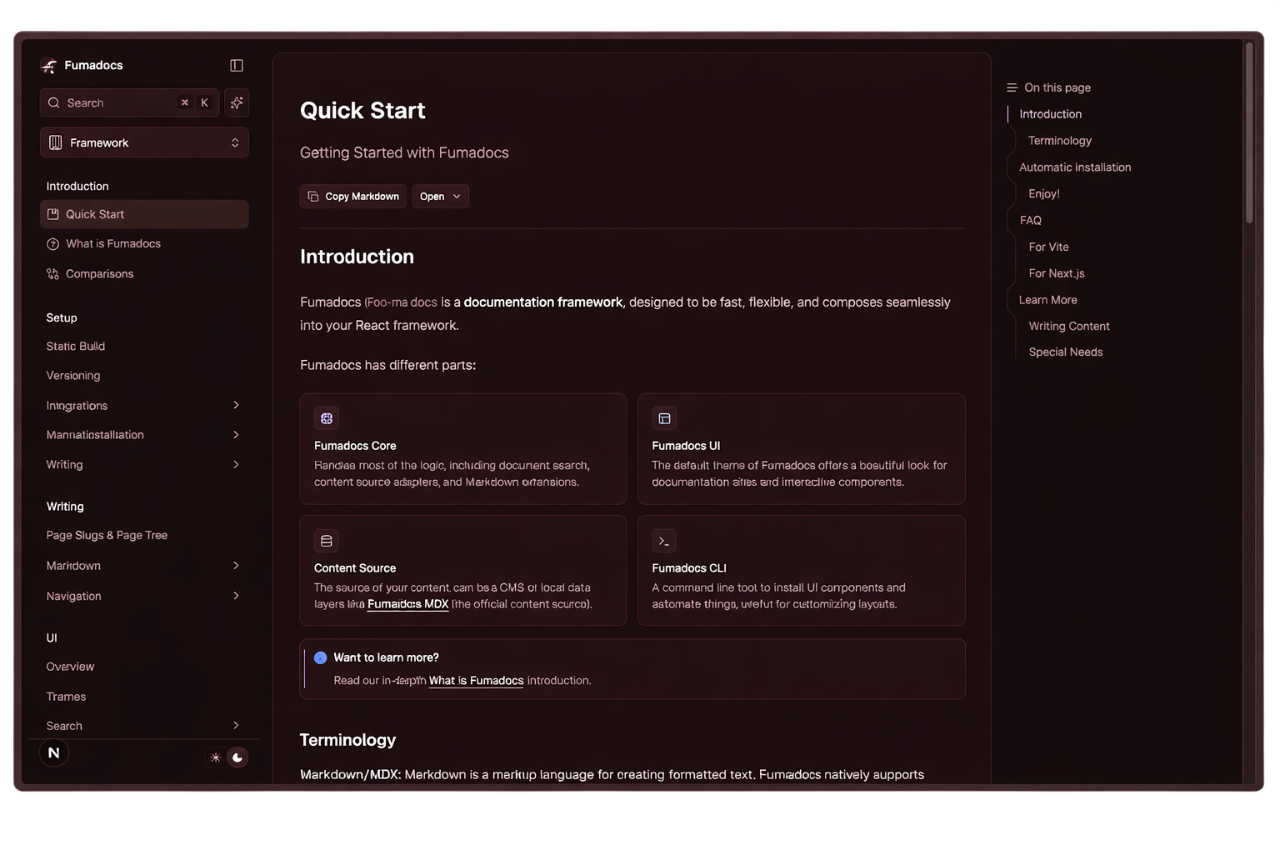
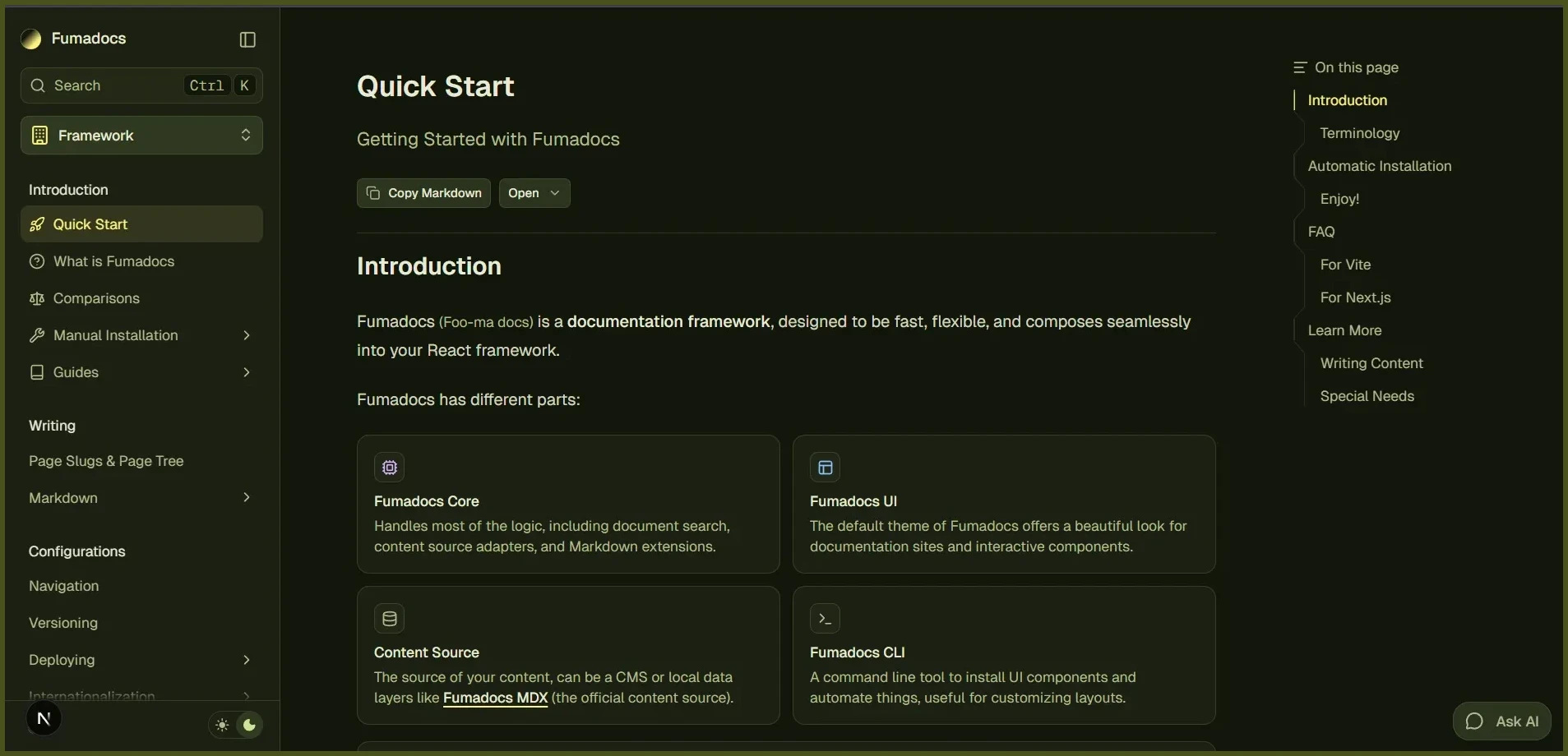
The design system was inspired by Shadcn UI, you can also customize the colors using CSS/Theme variables.
@theme {
  --color-fd-background: hsl(0, 0%, 96%);
  --color-fd-foreground: hsl(0, 0%, 3.9%);
  --color-fd-muted: hsl(0, 0%, 96.1%);
  --color-fd-muted-foreground: hsl(0, 0%, 45.1%);
  --color-fd-popover: hsl(0, 0%, 98%);
  --color-fd-popover-foreground: hsl(0, 0%, 15.1%);
  --color-fd-card: hsl(0, 0%, 94.7%);
  --color-fd-card-foreground: hsl(0, 0%, 3.9%);
  --color-fd-border: hsla(0, 0%, 80%, 50%);
  --color-fd-primary: hsl(0, 0%, 9%);
  --color-fd-primary-foreground: hsl(0, 0%, 98%);
  --color-fd-secondary: hsl(0, 0%, 93.1%);
  --color-fd-secondary-foreground: hsl(0, 0%, 9%);
  --color-fd-accent: hsla(0, 0%, 82%, 50%);
  --color-fd-accent-foreground: hsl(0, 0%, 9%);
  --color-fd-ring: hsl(0, 0%, 63.9%);
}

.dark {
  --color-fd-background: hsl(0, 0%, 7.04%);
  --color-fd-foreground: hsl(0, 0%, 92%);
  --color-fd-muted: hsl(0, 0%, 12.9%);
  --color-fd-muted-foreground: hsla(0, 0%, 70%, 0.8);
  --color-fd-popover: hsl(0, 0%, 11.6%);
  --color-fd-popover-foreground: hsl(0, 0%, 86.9%);
  --color-fd-card: hsl(0, 0%, 9.8%);
  --color-fd-card-foreground: hsl(0, 0%, 98%);
  --color-fd-border: hsla(0, 0%, 40%, 20%);
  --color-fd-primary: hsl(0, 0%, 98%);
  --color-fd-primary-foreground: hsl(0, 0%, 9%);
  --color-fd-secondary: hsl(0, 0%, 12.9%);
  --color-fd-secondary-foreground: hsl(0, 0%, 92%);
  --color-fd-accent: hsla(0, 0%, 40.9%, 30%);
  --color-fd-accent-foreground: hsl(0, 0%, 90%);
  --color-fd-ring: hsl(0, 0%, 54.9%);
}
Typography
We have a built-in plugin forked from Tailwind CSS Typography.
The plugin adds a prose class and variants to customise it.
<div className="prose">
  <h1>Good Heading</h1>
</div>The plugin is supposed to work with Hanzo Docs UI's MDX components, it may conflict with @tailwindcss/typography.
If you need to use @tailwindcss/typography over the default plugin, set a className option to avoid conflicts.
@import 'tailwindcss';
@plugin "@tailwindcss/typography" {
  className: wysiwyg;
}